The $20/month AI search tier is getting crowded. Research-heavy users now ask whether Perplexity Pro still beats ChatGPT Search or whether OpenAI has closed the gap with faster browsing and better memory. In 2026, both tools can pull live web results, show sources, and summarize long documents. But they do not serve the same buyer. One is built for source-first search. The other is a general assistant with search bolted on. If you are trying to cut subscriptions, read our best AI tools subscription 2026 guide before you add another charge. The right answer depends on how often you verify sources versus how much drafting you do.
For this review, I tested both tools across the same workload: market research for a B2B content pipeline, academic source checks, product comparisons, and breaking news verification. I paid for both plans. I did not use free trials. The evaluation focused on citations, speed, and accuracy because those are the three areas where AI search tools lose trust fastest. G2 user ratings provide a useful baseline. The G2 ratings for ChatGPT and Perplexity show thousands of users grading both tools on quality, ease of use, and support. Both tools hold ratings above 4.5 out of 5.
The $20 price point matters because these tools are positioned as direct replacements. Perplexity Pro costs $20 per month or $200 per year. ChatGPT Search is included in ChatGPT Plus at $20 per month. On paper they are identical. In daily use they are not. Perplexity Pro gives you a focused search interface with numbered sources. ChatGPT Search gives you search inside a larger assistant that also writes, edits, and generates images. That difference changes how you use each tool. It also changes whether the subscription is a bargain or a duplicate. If you are already paying for one, adding the other may be waste.
I also looked at how these tools fit into a minimal AI stack. If you already use Claude for writing, you may only need Perplexity Pro for search. Our Claude Pro review and ChatGPT vs Claude Pro comparisons explain that writing and search are not the same job. Consolidation only works when the search tool you keep is strong enough to stand alone. This article assumes you want one primary paid search tool, not a collection of half-used subscriptions. Here is the full breakdown.
How Do the Top Options Compare?
| Feature | Perplexity Pro | ChatGPT Search |
|---|---|---|
| Monthly price | $20 per month or $200 per year | $20 per month via ChatGPT Plus |
| Citation style | Numbered inline with source cards | Clickable source chips in browse mode |
| Speed to first answer | 1 to 3 seconds | 1 to 4 seconds |
| Search limits | 300+ Pro searches per day | Included with standard Plus limits |
| Best for | Standalone source-heavy research | Mixed research and drafting inside ChatGPT |
ChatGPT Search is not sold as a separate $20 plan. It is included with ChatGPT Plus. Perplexity Pro is sold as a standalone subscription at the same price. Prices and search limits may change.
1. Perplexity Pro , Best for standalone citation-first research

Perplexity Pro is the only one of the two built explicitly for source-backed search. For $20 per month or $200 per year, Perplexity’s Pro plan includes 300 or more Pro searches per day, file uploads, image search, and access to models like Claude Sonnet and GPT-4. The search page splits answers into clear sections with numbered citations. You can click a number, see the source, and open the page without leaving your flow.
Speed is its first advantage. A standard query often returns an answer in under three seconds. Multi-step research queries take longer but still show progress. Accuracy is the second advantage. The tool is less likely to invent URLs because it pulls from a retrieval layer that checks search results before summarizing. That does not make it perfect. Some old or paywalled pages still create dead ends.
For writing, the tool is adequate but not your primary draft machine. You can write follow-up paragraphs inside the thread, but the editor feels thin compared to ChatGPT vs Claude Pro. Still, if you separate research from drafting, Perplexity Pro is the cleaner pick. Use it to gather sources, verify claims, and build a reading list. Then move to a writer.
Key strengths:
- ✅ Numbered citations with source cards make verification quick
- ✅ 300+ Pro searches per day on the $20 monthly plan
- ✅ Fast first answer even on multi-stage queries
- ✅ Academic, social, video, and writing focus modes
- ✅ No need to buy ChatGPT for search-only work
- ❌ Writing and drafting tools feel basic next to ChatGPT
- ❌ Image generation is limited compared with ChatGPT’s built-in DALL-E
- ❌ Some deep research queries consume Pro credits quickly
Who it’s for: Researchers, analysts, and students who want source-backed search without paying for a broader assistant.
2. ChatGPT Search , Best for mixed research and drafting in one app
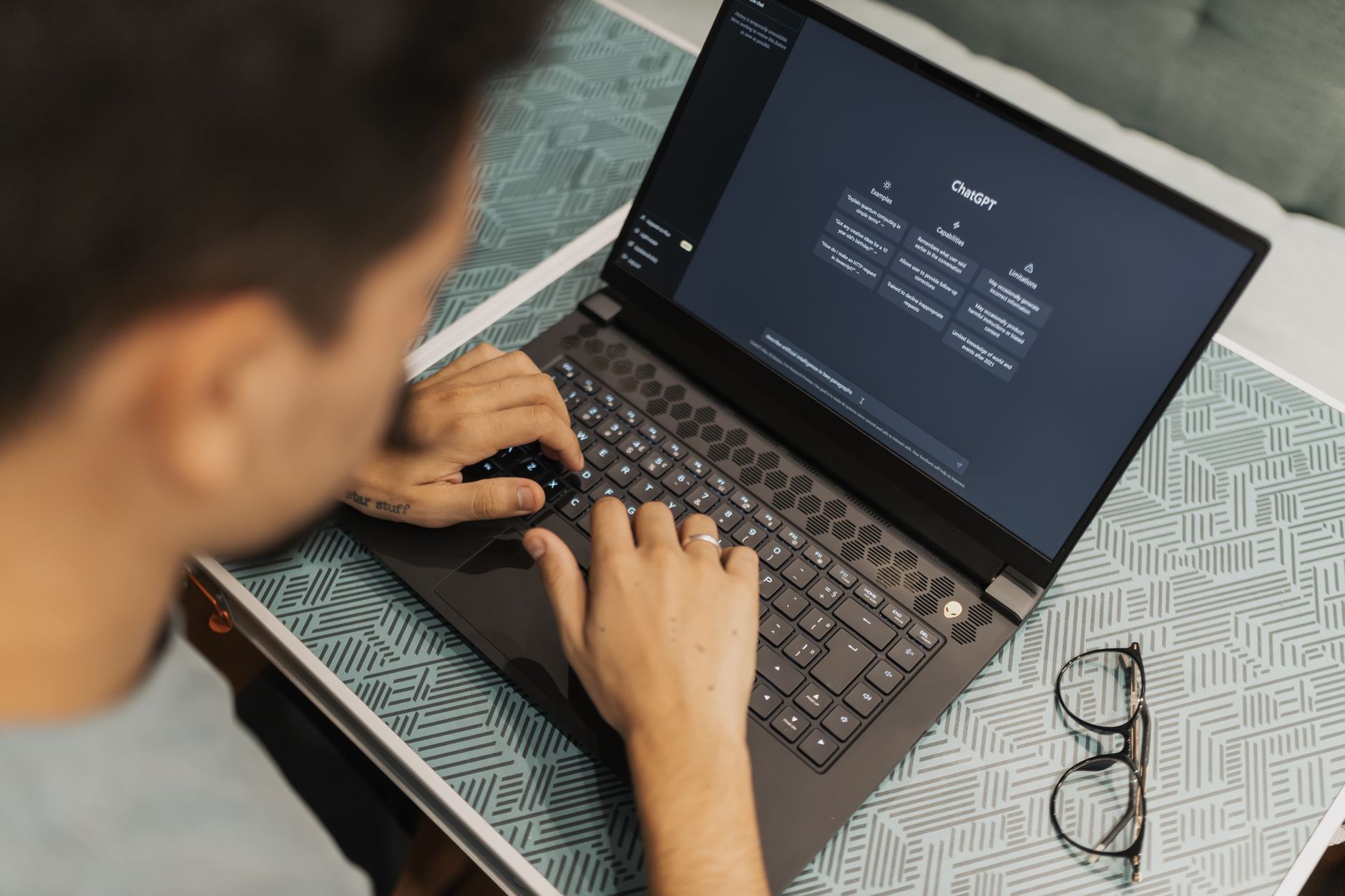
ChatGPT Search is not a standalone product. It lives inside ChatGPT Plus, which costs $20 per month. OpenAI’s ChatGPT plans bundle search with GPT-5, image generation, Canvas, projects, and memory. That bundle is the main reason to choose it over Perplexity Pro. If you already pay for ChatGPT Plus, adding a separate search subscription is often waste.
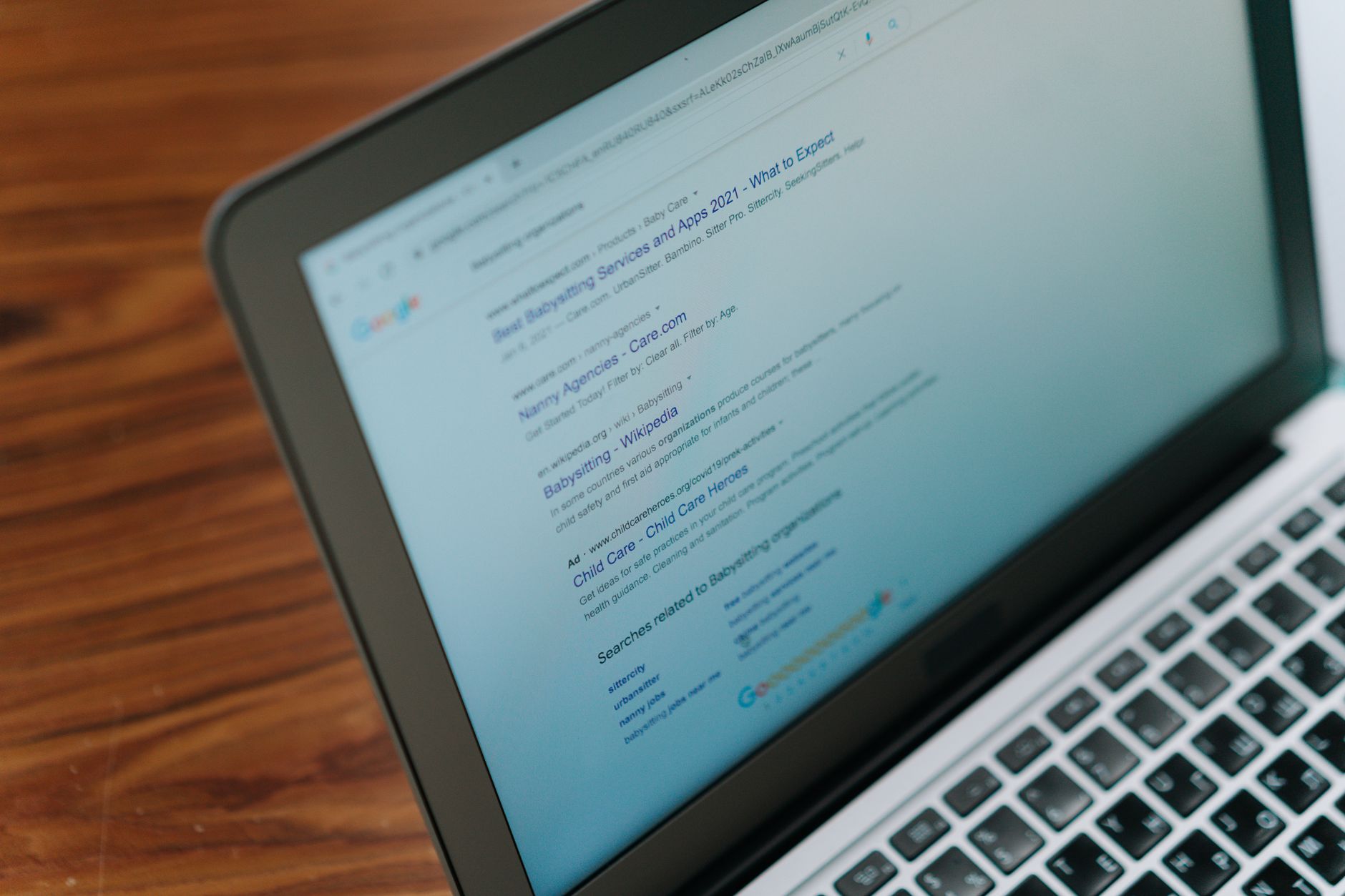
Search quality has improved. When ChatGPT decides a query needs live information, it opens browsed pages and shows source chips. Speed is usually under four seconds. It can also search specific sites, compare product pages, and pull fresh social discussion. However, the citation experience is more variable. Sometimes ChatGPT lists three sources. Other times it summarizes without showing the exact passage. For research-heavy users, that inconsistency forces extra checks.
Drafting is where ChatGPT wins. You can search, then immediately turn the answer into a memo, outline, or article inside Canvas. Memory lets the assistant recall your ongoing research topics. Our AI subscription consolidation workflow shows how to build a one-plan setup around this kind of cross-functional use.
Key strengths:
- ✅ One $20 plan covers search, writing, image generation, and memory
- ✅ Source chips appear when live browsing is triggered
- ✅ Memory retains research preferences and past topics
- ✅ Canvas and projects turn search results into finished drafts quickly
- ✅ Scheduled tasks can run recurring search briefs
- ❌ Citation list is shorter and less consistent than Perplexity
- ❌ Search sometimes summarizes without proving the source
- ❌ The chat interface can hide when it is and is not browsing
Who it’s for: People who already pay for ChatGPT Plus and want search as part of a broader AI toolkit.
3. Perplexity Pro Research Modes , Best for academic and social source filtering
Perplexity Pro’s focus modes are a hidden reason it stays ahead for specialized research. The Academic mode favors papers and journals. The Social mode pulls from Reddit, X, and other discussion platforms. Video mode returns timestamped results. Date filters cut stale pages quickly.
These filters matter for market research and content teams. You can run the same query in Academic mode and Social mode to see peer-reviewed evidence next to real community complaints. Our what AI can replace in your marketing stack guide shows why this source separation reduces bad decisions. For example, a software buyer can check G2 reviews, Reddit gripes, and vendor documentation without losing the thread.
Key strengths:
- ✅ Academic focus filters for papers and journals
- ✅ Social focus surfaces Reddit and X discussions quickly
- ✅ Video mode returns timestamped clips
- ✅ Date filters help remove outdated information
- ❌ Focus modes can feel narrow for broad discovery queries
- ❌ Paywalled articles still require a library login or manual access
- ❌ Results may exclude some high-quality niche forums
Who it’s for: Anyone who filters sources by type, date, or platform before making decisions.
4. ChatGPT Search with Memory , Best for ongoing research threads
ChatGPT Search gains power when memory is on. The assistant can remember that you are researching a specific industry, a set of competitors, or a content format. That memory makes repeat searches faster because you do not restate context each time.
Scheduled tasks add more value. You can set a weekly briefing for a topic and let ChatGPT run the search and summarize changes. Source chips in those summaries are clickable but not as granular as Perplexity. The main risk is old memory polluting new searches. If your saved context drifts, results drift too.
For users who live in ChatGPT all day, this is the deciding factor. You keep search, memory, and drafting in one thread. Our how to consolidate AI subscriptions guide covers when that bundling actually saves money. If search is your only heavy task, Perplexity still has the edge.
Key strengths:
- ✅ Memory carries research context across sessions
- ✅ Scheduled searches can run without manual prompting
- ✅ Voice input works for quick hands-free queries
- ✅ Search results feed directly into Canvas and shared projects
- ❌ Memory can introduce outdated context into new searches
- ❌ Citation format varies between sessions
- ❌ Requires a full ChatGPT Plus subscription even for light search use
Who it’s for: Subscribers building long-term research threads who want search inside their main assistant.
Frequently Asked Questions
Is Perplexity Pro worth $20 a month in 2026?
Yes, if you do source-heavy research at least a few times per week. The numbered citations and focus modes are still better than ChatGPT Search for verifying claims. If you only search casually, the free tier may be enough.
Does ChatGPT Search cost extra beyond ChatGPT Plus?
No. ChatGPT Search is included with the $20 per month ChatGPT Plus plan. A limited free version exists, but heavy browsing and longer searches usually require Plus.
Which tool is faster, Perplexity Pro or ChatGPT Search?
Perplexity Pro often returns a plain search answer in one to three seconds. ChatGPT Search can take one to four seconds when it triggers live browsing. Both are fast enough for daily use, but Perplexity feels quicker for simple source lookups.
Which AI search tool has more reliable citations?
Perplexity Pro is more reliable for citation-heavy work. It shows numbered sources inline and rarely invents a URL. ChatGPT Search shows source chips but is less consistent about listing every factual claim.
Can I replace Perplexity Pro with ChatGPT Search?
Yes, if you already pay for ChatGPT Plus and do not need academic or social focus modes. If citation transparency is your top requirement, keep Perplexity Pro instead of paying for both.
Which tool is better for academic research?
Perplexity Pro. Its Academic focus mode prioritizes papers and journals, and date filters help exclude stale sources. ChatGPT Search can summarize studies, but it does not filter by academic source type as cleanly.
What Should You Remember?
- Citation transparency: Perplexity Pro still wins for numbered inline sources and focus modes.
- Speed: Both return answers in one to four seconds, but Perplexity feels faster for plain source lookups.
- Accuracy: Perplexity Pro is less likely to invent URLs or skip source checks.
- $20/month math: ChatGPT Plus bundles search with drafting, image generation, and memory at the same price.
- Consolidation: Drop Perplexity if you already pay for ChatGPT Plus and do not need academic filtering.
- Best for academics: Perplexity Pro’s Academic mode beats ChatGPT Search for journal and paper discovery.
- Final pick: Pay for Perplexity Pro for standalone research. Keep ChatGPT Search if you already live in ChatGPT.
This article is for general information only. AI subscription pricing, feature tiers, and free limits change frequently , always verify current pricing and plans on the vendor’s official site before committing to any purchase or cancellation.